Sublimation printing is one of the most popular ways to create personalized products that stand out. However, beginners often struggle with designing sublimation-ready files. The right design not only makes a product look professional but also ensures it prints correctly on t-shirts, mugs, tumblers, and other items.
This sublimation design guide will take you through everything you need to know—from essential tools and design principles to testing and ready-to-use sources. By following these steps, you’ll be able to produce high-quality sublimation designs that sell and impress your customers. Plus, we’ll show you where to find premium designs like those at www.creativeinkers.com.
What is Sublimation Design?
- Sublimation designs are digital graphics prepared for heat transfer printing.
- Unlike regular prints, sublimation embeds the ink directly into the product surface.
- Popular applications include:
- T-shirts and hoodies
- Mugs and tumblers
- Home décor like pillows and coasters
- Accessories such as phone cases and tote bags
Essential Tools for Creating Sublimation Designs
Design Software
- Canva: beginner-friendly, ready-made templates
- Photoshop: professional control over graphics and layers
- Illustrator: best for scalable vector designs
Digital Assets
- High-quality PNG/SVG files
- Fonts licensed for commercial use
- Stock graphics and clipart
Hardware Considerations
- Computer capable of running design software smoothly
- High-resolution monitor for accurate color display
File Formats Explained
- PNG: Transparent background, perfect for most products
- SVG: Vector files, scalable without losing quality
- JPEG: Good for images without transparency, less flexible
Sublimation Design Principles
1. Simplicity
- Less is more. Avoid overly complicated designs.
- Simple graphics print cleaner and sell better.
2. Readability
- Text must be legible from a distance
- Choose bold, clear fonts
3. Contrast & Colors
- High contrast helps designs stand out
- Avoid colors that blend into the product
4. Product-Specific Layout
- Horizontal designs for mugs
- Centered vertical designs for t-shirts
- Wrap-around designs for tumblers
Step-by-Step Guide to Creating Your First Design
- Choose your niche (pets, moms, fitness, teachers)
- Research trends and competitor products
- Select high-resolution assets and fonts
- Layout your design according to product dimensions
- Test print your design before launching
Common Beginner Mistakes
- Using low-resolution or stretched images
- Ignoring product size or shape
- Overcrowding designs with text and graphics
- Failing to check commercial use licensing
Where to Get Ready-to-Use Sublimation Designs
- Free designs may be limited and overused
- Paid designs save time and are commercially safe
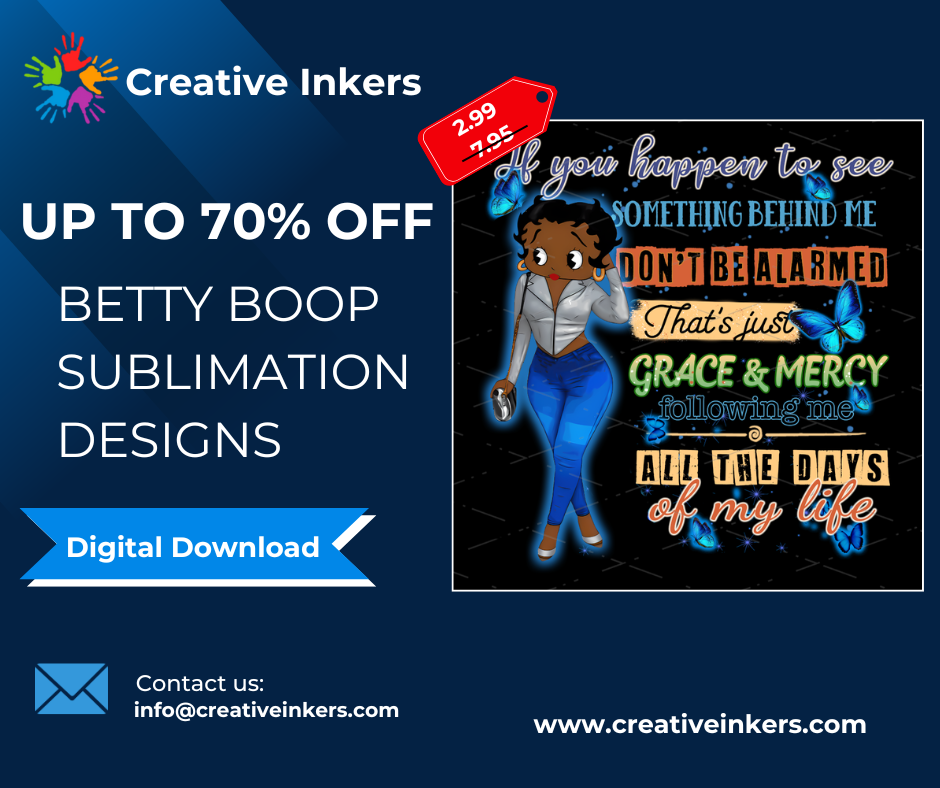
- Recommended source: www.creativeinkers.com – premium, ready-to-use designs for t-shirts, mugs, tumblers, and more
How to Test Your Design Before Selling
- Print a sample product
- Check color accuracy and alignment
- Adjust size or spacing as needed
- Evaluate the design’s overall impact
Pro Tips to Elevate Your Designs
- Combine trending elements with evergreen styles
- Keep your designs simple and versatile
- Focus on emotional or humorous designs for high conversion
- Build a library of reusable templates
FAQ (Featured Snippets)
What is a sublimation design?
A1: A sublimation design is a digital graphic prepared specifically for heat transfer printing on products like t-shirts, mugs, and tumblers.
Which software is best for beginners?
A2: Canva is beginner-friendly, while Photoshop and Illustrator are better for advanced users.
Where can I find high-quality ready-to-use designs?
A3: www.creativeinkers.com offers premium sublimation designs ready for commercial use.
CTA Section
Start creating high-quality sublimation designs today! Browse premium ready-to-use designs at Creativeinkers.com and bring your products to life.